
UI themes
Mar 25, 2024 | 0 min read
The SMS Data Catalogue provides the user with light and dark theme, which can be selected from the Options’ menu.
The dark theme is aimed for user that work in dark environment (e.g. pull-pits). It aims to reduce the stress of the eye in those environments and to reduce reflections.
The light theme focuses on bright environments by providing enough brightness and contrast.
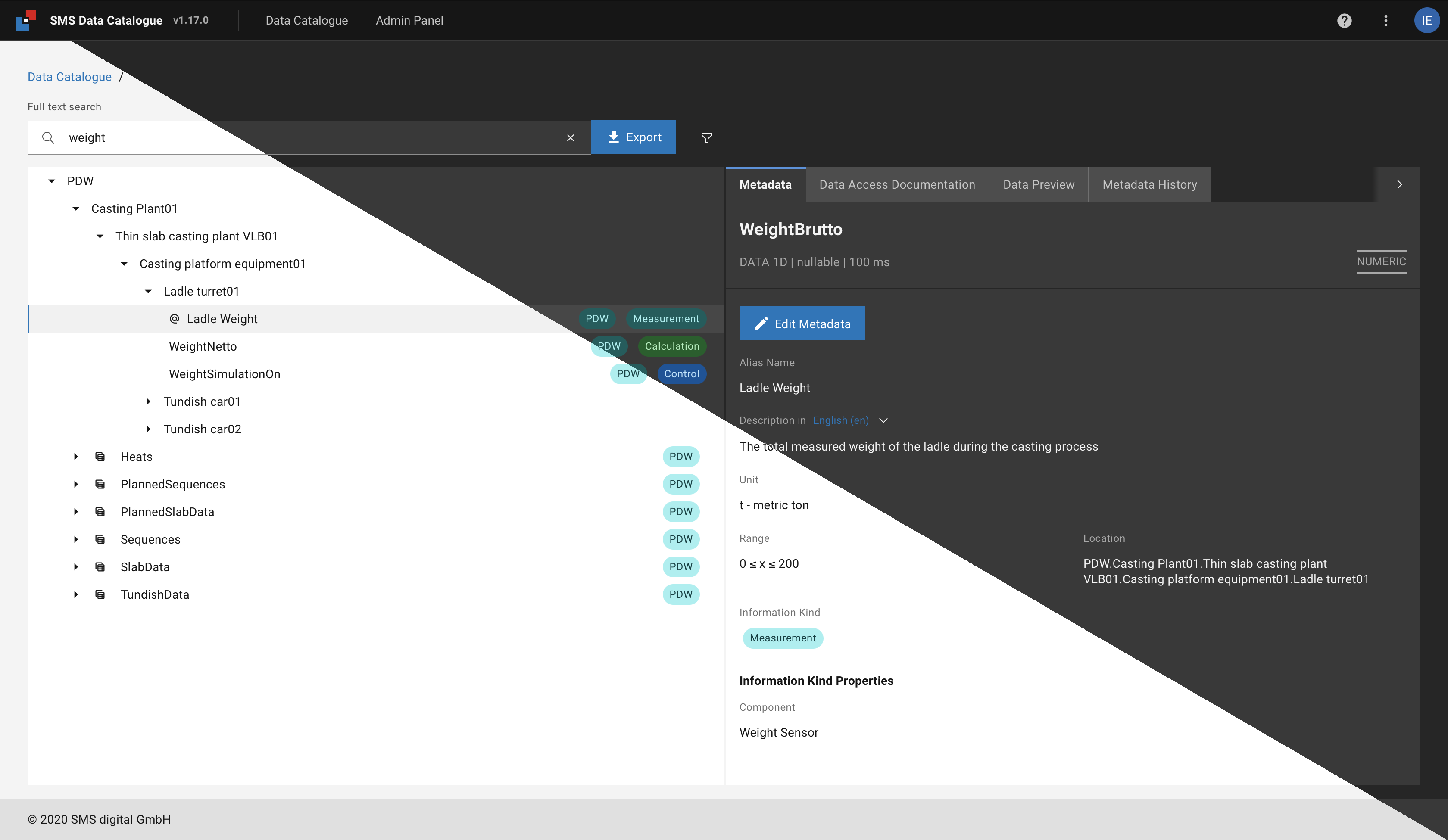
Figure 7 Comparison of light and dark theme of an example screen in the SMS Data Catalogue.