
Languages
The Language page provides the user with the possibility to manage the languages of the metadata description.
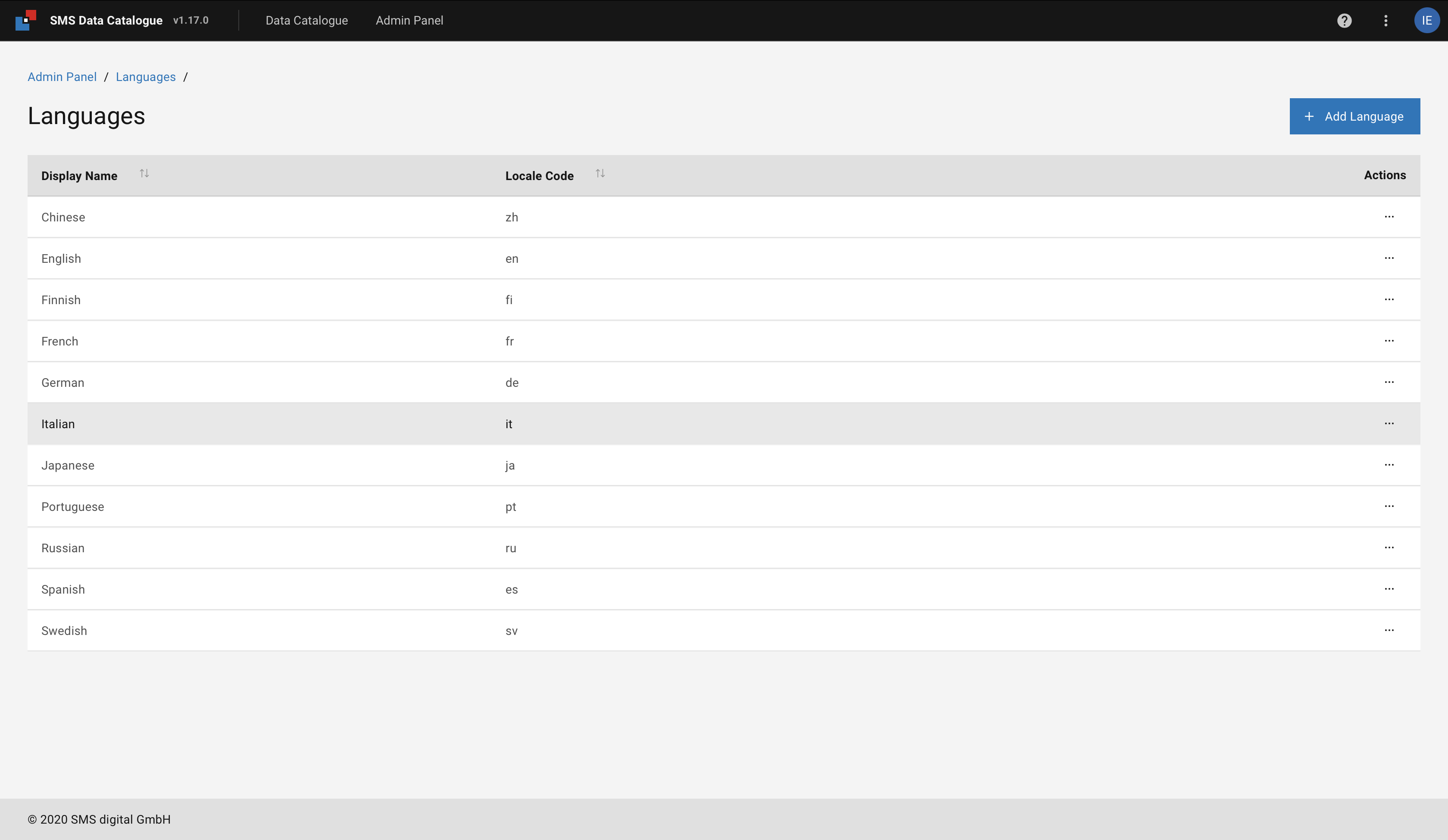
Figure 48 SMS Data Catalogue languages.
The table provides a list of all supported languages in which a description can be added.
The button +Add Language allows user to add a new language.
From the Language list the desired new language can be selected.
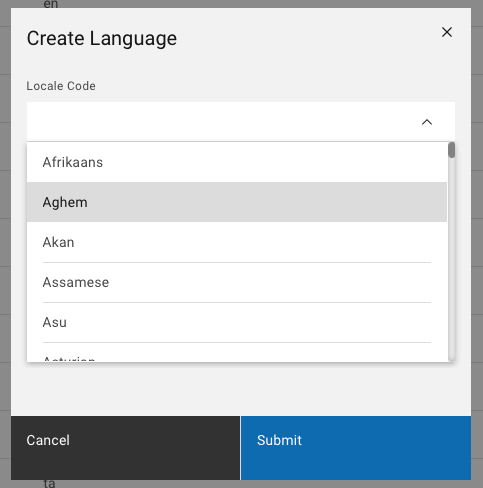
Figure 49 Language list
The newly added language appears between the list of languages in the metadata editing view.
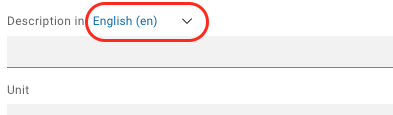
Figure 50 Description language in edit mode.