
Units of Measurement
The units of measurement configuration allow the user to overview and edit the units stored in the SMS Data Catalogue. The table seen in SMS Data Catalogue units of measurement provides a list of all the units presented in the SMS Data Catalogue.
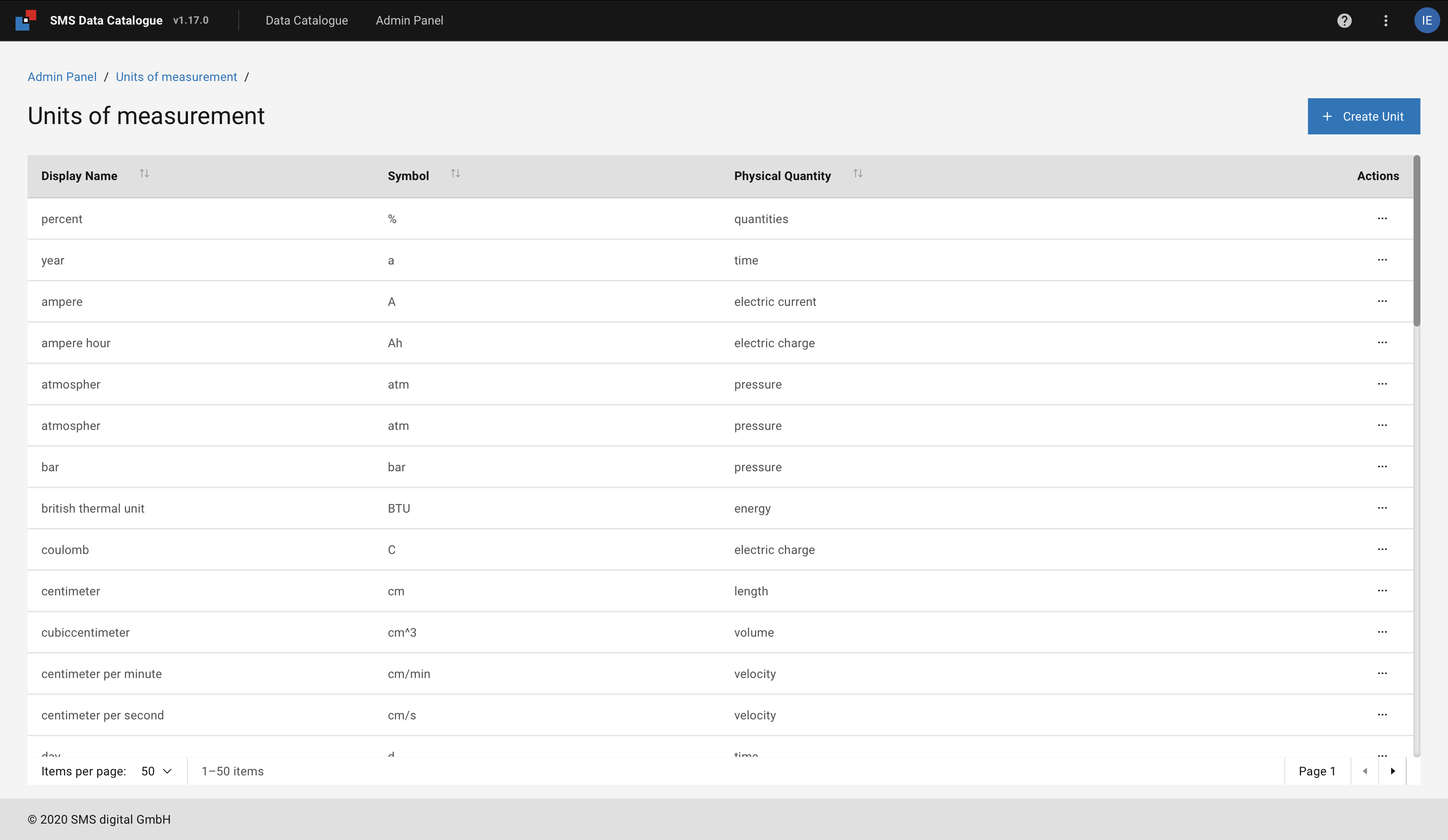
Figure 37 SMS Data Catalogue units of measurement
The navigation menu is found at the bottom of the table. On the left side of the menu, a filter is provided to help the user narrow down the number of items displayed on a page. Navigation through the pages is achieved using the arrows on the right corner of the menu.

Figure 38 Create new unit.
Adding a new unit is done with the help of the blue +Create unit button in the top right corner of the table.
It opens a modal, as seen in Figure 39,
that allows the user to specify a symbol, a display name, and the physical quantity of the unit.
When creating a new symbol, the Formatting of the unit symbol guideline should be followed.
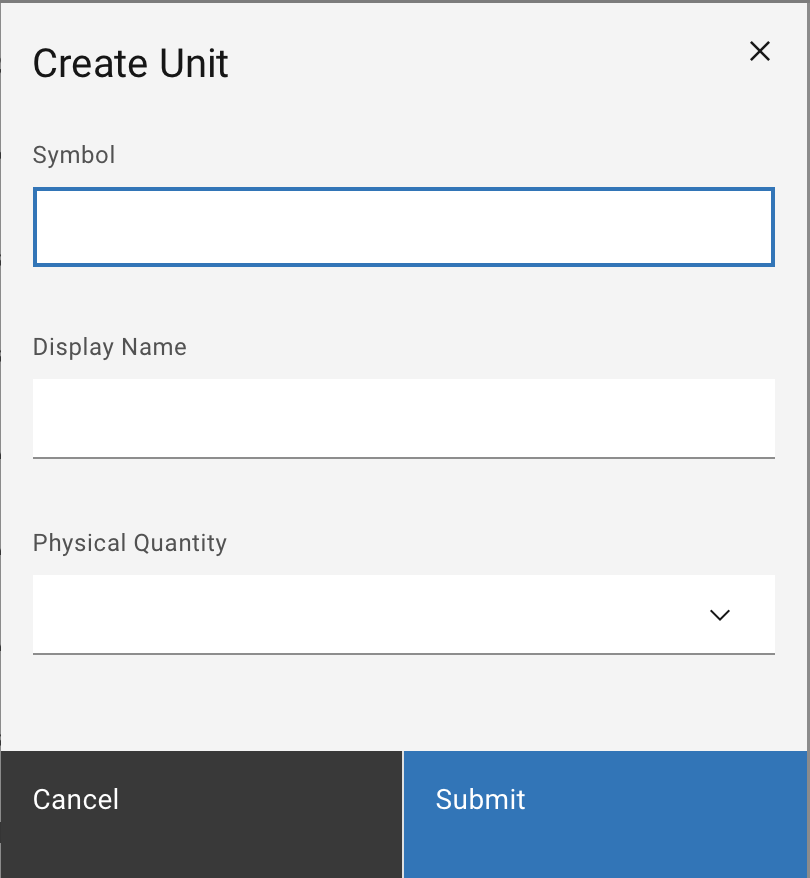
Figure 39 Create new unit.
Note: while creating a new unit, the symbol field is required and cannot be duplicated.
The actions menu ... allows the user to edit or delete a unit.
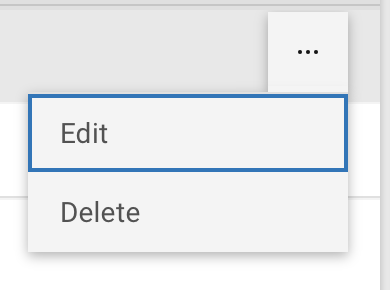
Figure 40 Actions dropdown menu.
Note: The units that are already assigned to a signal can not be deleted.